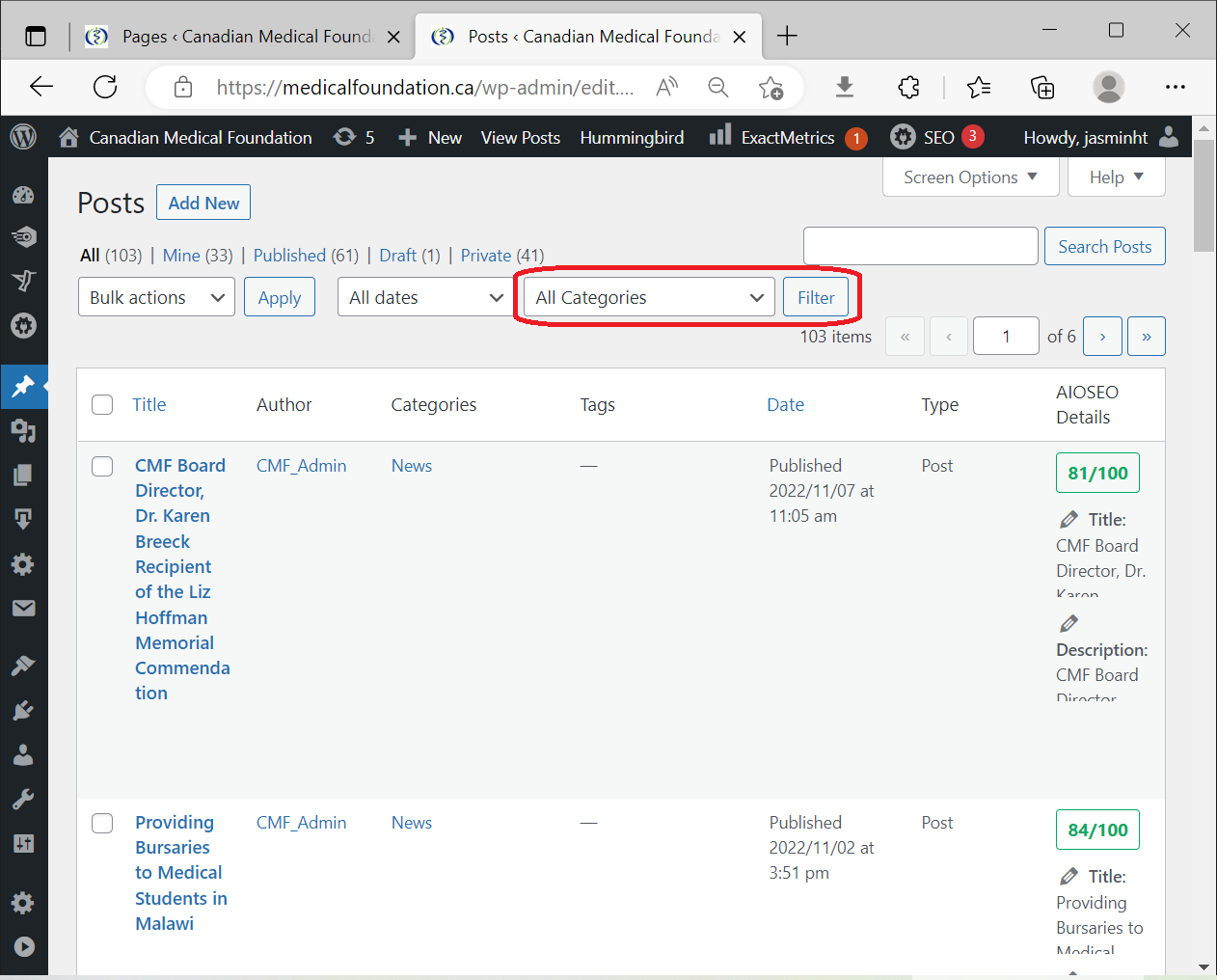
The website has a lot of posts and pages. Looking for them by hand can take a long time. That’s why there is the filter option.
Select the category you want from the “All Categories” dropdown, and then click “Filter”
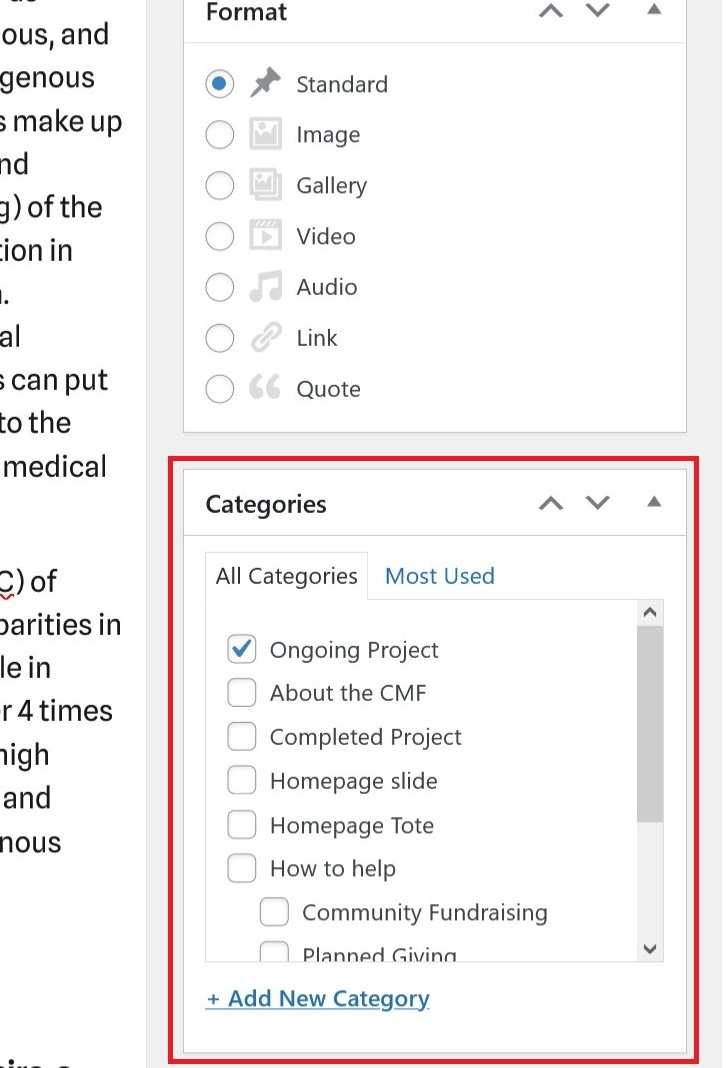
Some of the instructions requires assigning a Category to a post.
In the post editor, you can see the list of categories on the right.
Simply check the ones that should apply to this post.
For example, giving a post the "Volunteer" category will make it appear in the volunteer section of the home page