There are three ways to edit a page. In every case, you must log in first.
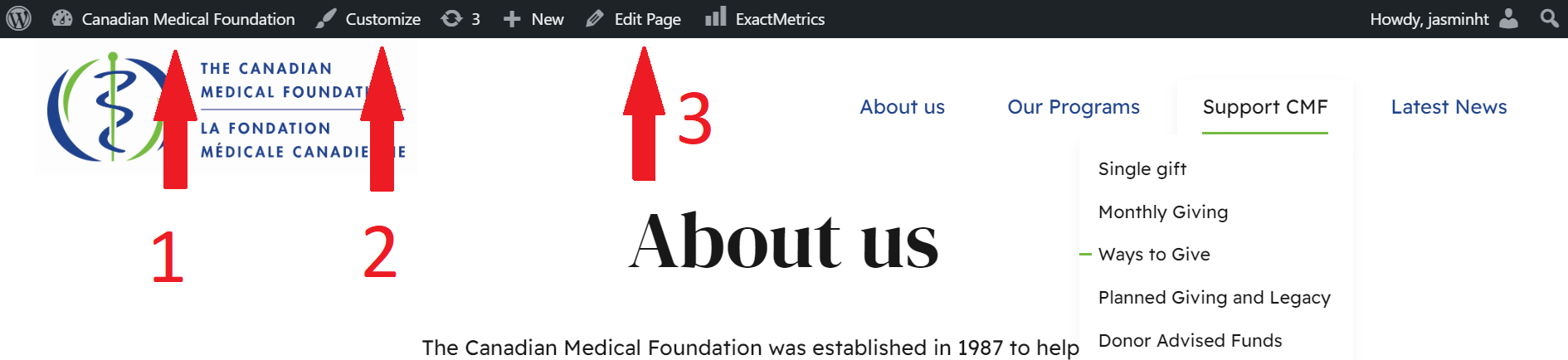
When logged in, every page of the website will show a black top bar. Click the “Edit post” or "Edit page" link in the top bar.
Some pages will allow you to edit them directly. If you hover your mouse over a paragraph and it highlights in blue, click it to edit it. More info here

In the admin panel, click on Posts or Pages to see a list, and select the page you want to edit.